
Best Voice Recorders for AI Notes: 6 Cheap Ways to Capture Cleaner Transcripts
The best voice recorders and small audio tools for turning meetings, interviews, lectures, and spoken notes into cleaner AI summaries. What to buy, what to skip, and why audio quality matters.
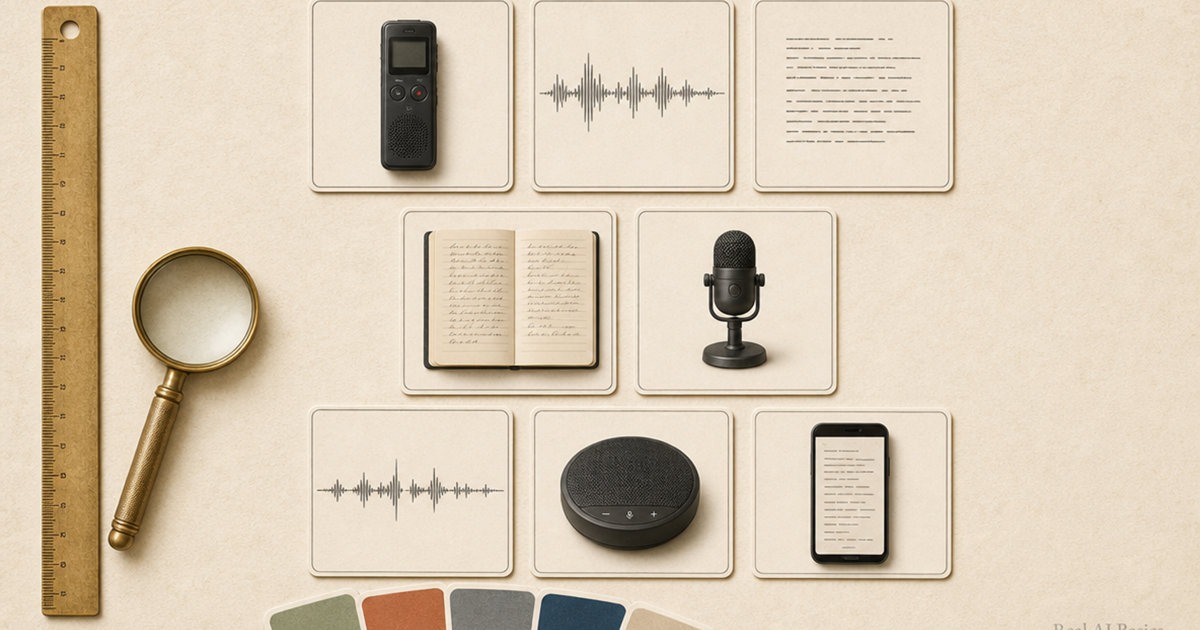
Most AI note apps have the same weak spot: the recording.
If the audio is muddy, too quiet, or full of room noise, the transcript gets worse. When the transcript gets worse, the AI summary starts guessing. That is how a meeting turns into a neat paragraph that misses the one thing you needed to remember.
A dedicated recorder will not make every conversation perfect. It does solve the boring problem that ruins a lot of AI notes: distance. Put the microphone near the person speaking, capture clean audio, then send that file to whatever transcription tool you use. ChatGPT, Claude, Gemini, Otter, Notta, PLAUD, MacWhisper, Whisper, and most meeting-note tools all work better when the source audio is clear.
Speaking from my own workflow, I run spoken audio through Whisper and ChatGPT most weeks, and the one thing that decides whether the summary is usable is whether the recording itself is clean. A muddy file forces the model to guess. A close, clear file gives it nothing to guess about. That gap is the entire reason a dedicated recorder is worth buying.
This list is for normal people who want better voice notes, not audio engineers. Meetings, lectures, interviews, doctor appointments, family stories, client calls, sermons, coaching sessions, voice memos. If the spoken words matter later, the recorder matters now.
The short answer
Pick the Sony ICD-UX570 if you want the safest all-around digital voice recorder. It is small, simple, rechargeable, and made for speech.
Pick the OM System WS-882 if you want a more beginner-friendly recorder with big buttons, simple menus, and strong battery life.
Pick the Zoom H1essential if you record interviews, podcasts, YouTube audio, or anything where sound quality matters more than pocket convenience.
Three more picks below cover the rest: the cheaper Sony ICD-PX370 for simple notes, the PLAUD Note if you want transcription built in, and the Anker PowerConf S3 for Zoom and small meetings.
Prices in this guide are approximate street prices at the time of writing. They move, and the Amazon link always shows the current price.
How to think about AI voice notes
The recorder is not the AI. It is the front door.
A clean recording gives the transcription model fewer decisions to make. It can hear who is speaking, where sentences stop, and which words are names instead of noise. A bad recording forces the model to fill in gaps. Sometimes that works. Sometimes it quietly changes the meaning.
I would judge a recorder for AI notes on five things.
First, it has to be easy to start. If you need to unlock a phone, open an app, check permissions, and tap through a sync screen, you will miss the first part of the conversation. A real record button still wins.
Second, the files need to be easy to move. Built-in USB or USB-C matters because the whole workflow is record, transfer, transcribe, summarize.
Third, speech clarity beats music quality. You are not recording an album. You need voices clear enough for transcription.
Fourth, battery life has to remove anxiety. A recorder that dies halfway through a meeting is worse than no recorder because it gives you false confidence.
Fifth, the product should not trap your notes. If it only works inside one app, make sure you trust that app before you put important conversations there.
Sony ICD-UX570: best overall voice recorder for AI notes
The Sony ICD-UX570 is the one I would tell most people to buy first. It is not flashy. That is the point. It is a slim digital voice recorder with built-in stereo microphones, 4 GB of internal storage, a direct USB connection, and three recording modes for normal, focused, or wide stereo capture. Street price sits around $100 to $130 at the time of writing, and the link shows today’s number.
For AI notes, those modes matter. A focused mode helps when you are recording one person across a desk. A wider mode makes more sense for a small room or table conversation. You still have to place it well, but at least the recorder is built around speech instead of pretending one mode fits every room.
The built-in USB plug is the quiet killer feature. You record, plug it into a computer, drag the file over, and upload it to your transcription tool. No Bluetooth pairing drama. No app account. No waiting for a cloud sync that decides to fail when you need the notes.
The tradeoff is storage. 4 GB is fine for normal voice notes, meetings, and interviews, but it is not endless. If you record all day, every day, you will need to offload files regularly.
Buy this if you want the simplest good answer. It is the boring Sony pick, and boring is exactly what you want for notes you may need later.
OM System WS-882: best for beginners who want simple buttons
The OM System WS-882 is the friendliest recorder here. OM System is the old Olympus audio brand, if you recognize that name. OM System built it for speech, lectures, and meetings, with two directional stereo microphones, 4 GB of internal storage, microSD expansion up to 32 GB, a low-cut filter, and a Simple Mode with larger text on the screen. Street price is about $60 to $80 new at the time of writing, with renewed options around $30.
That Simple Mode is why I like it for non-tech users. A lot of cheap recorders bury ordinary actions behind tiny menus. The WS-882 feels more like something you could hand to a parent, teacher, pastor, or student without writing a tutorial first.
Battery life is another reason it earns a spot. OM System lists up to 110 hours, which is far beyond what most people need between charges or battery swaps. It uses AAA batteries, so you can keep spares in a bag instead of hoping you remembered to charge it.
The downside is that it still feels like a traditional recorder. If you want automatic AI summaries built in, this is not that. You will record the audio, move the file, and run your own transcription or summary step.
For many people, that is a plus. Your recorder records. Your AI tool summarizes. No subscription required just to keep using the hardware.
Sony ICD-PX370: best cheap name-brand pick
The Sony ICD-PX370 is the budget Sony option. It records MP3 audio, has 4 GB of storage, uses AA batteries, and includes a built-in USB connection for moving files to a computer. Street price is around $65 to $75 at the time of writing.
It is not as slim or polished as the UX570. It is also mono rather than the nicer stereo setup you get on higher-end models. For a lecture, a voice memo, or one person talking at a desk, that may not matter much. For a group conversation where people sit around a table, it matters more.
The reason to buy the PX370 is simple: you want a real recorder from a known brand and you do not want to spend UX570 money. That is a fair use case. A cheaper recorder placed close to the speaker will usually beat an expensive phone sitting too far away.
I would not use this as my first pick for interviews or important group meetings. I would use it for class notes, reminders, dictated thoughts, and simple one-speaker recordings.
Zoom H1essential: best when the audio itself matters
The Zoom H1essential comes from a different world than the little office recorders above. Zoom makes recorders for musicians, podcasters, filmmakers, and creators. The H1essential is still small, but it is closer to a real audio tool. Street price is about $100 to $120 at the time of writing.
Its big advantage is 32-bit float recording. In plain English, it gives you much more forgiveness if the audio gets louder or quieter than expected. You do not have to babysit recording levels the way you did on older recorders. For interviews, field notes, YouTube voice, podcasts, or family stories you want to preserve, that matters.
It can also work as a USB microphone when connected to a computer or phone, and it records to SD cards. That makes it more flexible than a basic voice recorder. It also makes it slightly less beginner-proof. You need a card, you need to understand files, and you need to hold or place the recorder properly.
Do not buy this if you only want to record a class lecture twice a month. Buy it if the recording itself has value: interviews, content, oral history, client calls, coaching sessions, or any situation where you may want to reuse the audio, not just summarize it.
PLAUD Note: best AI recorder if you accept the subscription layer
The PLAUD Note is the most modern product on this list. It is a thin AI voice recorder that works with the PLAUD app to transcribe and summarize recordings. Amazon listings describe support for 112 languages, 64 GB of local storage, phone call and in-person recording modes, and a starter plan with roughly 300 transcription minutes per month. Plan limits and pricing shift, so check the current terms before you depend on the free minutes. Street price runs about $130 to $160 at the time of writing, with a list price around $159 and frequent sales, on top of the subscription.
This is the easiest pitch: press record, sync to the app, get notes. For meetings, calls, lectures, and professional notes, that is cleaner than juggling a recorder, a folder of audio files, and a separate transcription tool.
The catch is also obvious. You are not just buying hardware. You are entering a software ecosystem with plan limits. If you record a lot, the free minutes may not be enough. If you deal with sensitive information, you should read the privacy and cloud-processing details before you rely on it.
I would use PLAUD for business notes where convenience matters more than owning every piece of the workflow. I would not use it as the cheapest path. It is the polished path.
Anker PowerConf S3: best for online meetings and table audio
The Anker PowerConf S3 is not a voice recorder in the pocket-recorder sense. It is a Bluetooth and USB-C speakerphone with six microphones, 360-degree voice pickup, background noise reduction, and up to 24 hours of call time. Street price is about $130 to $150 at the time of writing.
It belongs here because a lot of AI notes start inside Zoom, Google Meet, Teams, or another meeting app. If the meeting app is doing the recording, your job is to feed it better audio. A laptop microphone across the table is usually bad at that. A speakerphone in the middle of the table is much better.
This is the pick for small teams, home offices, coaching calls, client meetings, and family calls where more than one person speaks in the room. It also solves the other side of the meeting: you can hear people better through the speaker.
Do not buy it to record walking voice memos. Buy it if your notes come from calls and small group conversations.
What about using your phone?
Your phone is fine for casual notes. If you are speaking directly into it from a foot away, the recording can be good enough. For quick thoughts, shopping lists, reminders, and personal voice memos, I would start there before buying anything.
The trouble starts when the phone is not close to the sound. Put it on a table between four people, next to a laptop fan, under a projector, or across a room from the speaker, and the transcript has to fight for every sentence. That is when a dedicated recorder or table microphone starts to make sense.
If the words matter, move the microphone closer. That one rule fixes more AI summaries than any prompt trick.
My picks by use case
For most people, buy the Sony ICD-UX570. It is the safe all-around choice for AI notes.
For parents, students, teachers, or anyone who wants the easiest physical controls, buy the OM System WS-882.
For the cheapest known-brand option, buy the Sony ICD-PX370.
For interviews, content, oral histories, or anything you may want to publish later, buy the Zoom H1essential.
For built-in transcription and summaries, buy the PLAUD Note, but check the plan limits first.
For Zoom calls and small meetings, buy the Anker PowerConf S3 instead of a pocket recorder.
The privacy note people skip
Recording conversations can involve consent rules, workplace policies, medical privacy, school rules, and plain old manners. Do not secretly record people. Tell them, get permission where needed, and be extra careful with medical, legal, financial, or family information.
AI makes this more sensitive because you are often uploading the audio or transcript somewhere else. If the conversation would be bad to leak, do not treat it like a normal voice memo. Keep the file local, use a local transcription tool, or skip the recording.
The honest buying advice
Start with the recorder that matches the room, not the fanciest product.
One person speaking near you: Sony ICD-UX570 or Sony ICD-PX370.
A beginner who hates menus: OM System WS-882.
A serious interview or family story: Zoom H1essential.
A meeting you want summarized automatically: PLAUD Note.
A group call or conference table: Anker PowerConf S3.
The AI part comes later. First, capture words clearly enough that the AI does not have to guess what happened.
This is a desk-researched buying guide based on official product listings, manufacturer information, and the practical requirements of AI transcription workflows. Some links are Amazon affiliate links, which means we may earn a commission if you buy through them, at no extra cost to you. That never changes what we recommend.